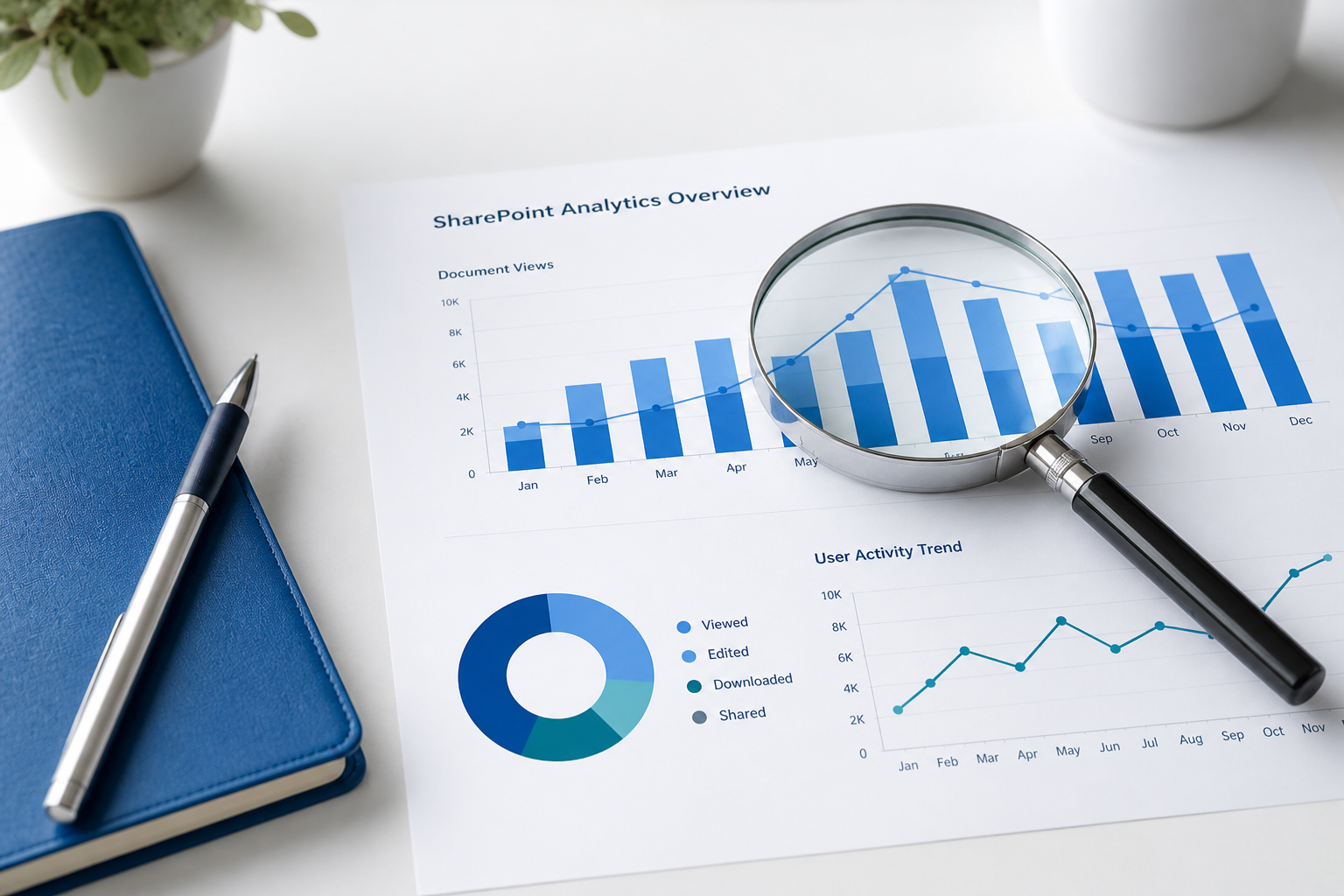
Understanding how content is used across your SharePoint environment is no longer optional. It is essential. Document analytics provides organizations with visibility into how employees interact with files, helping teams improve collaboration, streamline workflows, and make informed decisions based on real usage data.
SharePoint has evolved into a central platform for document storage and collaboration. However, simply hosting files is not enough. Without insight into how those files are accessed and used, organizations miss opportunities to optimize their content strategy. Document analytics fills that gap by revealing patterns in engagement, usage, and collaboration.
By analyzing metrics such as document views, edits, and sharing activity, organizations can identify what content delivers value and what requires attention. These insights enable better decision-making and ensure that resources align with actual user needs.
What Is SharePoint Document Analytics
SharePoint document analytics refers to the collection and analysis of data related to how users interact with files stored within SharePoint. This includes tracking engagement, collaboration behavior, and access patterns.
For example, analytics can highlight which documents are frequently accessed or modified. This helps organizations distinguish between high-value content and materials that may be outdated or underused. While SharePoint offers built-in reporting capabilities such as usage reports and activity metrics, many organizations extend these insights using advanced analytics solutions.
When used effectively, document analytics helps improve operational efficiency and strengthens governance by providing visibility into how content is accessed and shared.
Core Capabilities of Document Analytics
Tracking Views and Edits
One of the most fundamental capabilities is monitoring how often documents are viewed or edited. High view counts combined with low edit activity may indicate reference material, while frequent edits suggest active collaboration. These insights help determine whether content should be updated, promoted, or archived.
Understanding Collaboration Behavior
Analytics can reveal how individuals and teams interact with documents. This makes it easier to identify key contributors, uncover collaboration gaps, and recognize effective workflows that can be replicated across the organization.
Measuring Content Engagement
By evaluating metrics such as views, downloads, and shares, organizations can determine which documents attract the most attention. Highly engaged content can be prioritized, while low-performing content can be reassessed for relevance or accessibility.
Monitoring External Sharing
Security remains a critical concern. Document analytics allows organizations to track whether files are shared outside the organization, helping to identify potential compliance risks and maintain control over sensitive data.
Reporting and Dashboards
Comprehensive dashboards provide a centralized view of document activity. These visualizations simplify analysis and allow stakeholders to quickly identify trends and areas that require attention.
Key Benefits for Organizations
Better Content Management
With clear visibility into document usage, organizations can maintain a cleaner and more relevant content repository. Frequently accessed files can be prioritized, while unused content can be reviewed or removed.
Stronger Collaboration
Insights into how teams work with documents enable organizations to improve workflows and remove friction. Identifying collaboration patterns helps teams operate more efficiently and align their efforts.
Improved Security Oversight
Tracking access and sharing activity ensures that sensitive information remains protected. Organizations can proactively address risks related to external sharing and unauthorized access.
Data-Driven Decision Making
Rather than relying on assumptions, organizations can use actual usage data to guide decisions. This leads to more relevant content, improved productivity, and better alignment with business goals.
Enhanced User Experience
When content is optimized based on real usage patterns, users can find what they need faster. This improves overall engagement and ensures that SharePoint delivers maximum value to the organization.
Final Thoughts
SharePoint document analytics provides the visibility needed to move from passive content storage to active content optimization. By leveraging usage data, organizations can improve collaboration, strengthen governance, and ensure that their SharePoint environment supports real business needs.
When implemented correctly, analytics becomes a strategic asset that drives continuous improvement across content, teams, and processes.










 Follow @cardiolog